Unknown for iPhone: your narrated library, in your pocket
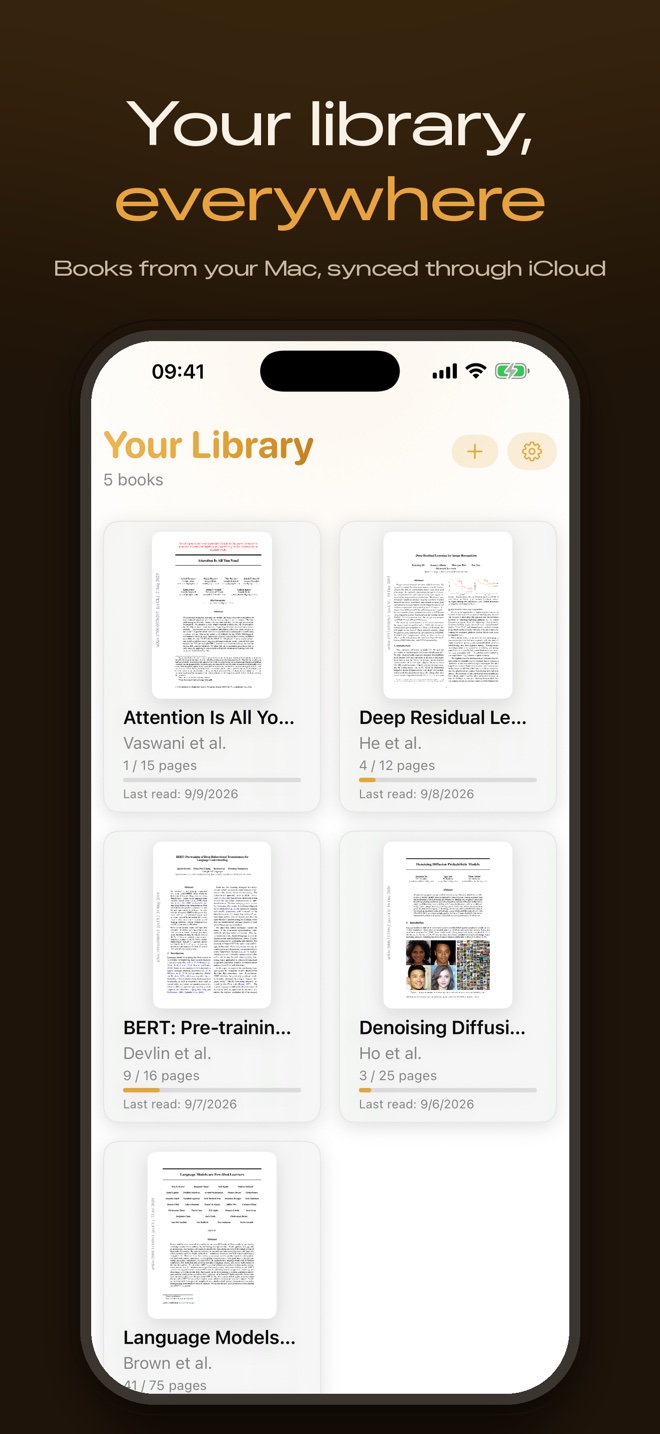
Unknown for iPhone is on the App Store today, and it is free. Every PDF and EPUB your Mac narrates now appears on your iPhone automatically, with the same lifelike voice, the real pages on screen, and your progress, bookmarks, notes and mind maps in sync - all through your own iCloud.
Listen anywhere
Unknown for Mac turns dense reading into listening: drop in a paper or a book and it comes back narrated, highlighted in time with the audio, ready to answer questions. Until today, that library lived on your Mac. Now it follows you. Process a book on the Mac, pick up your phone, and it is already there - audio and all - ready for the commute, the walk, or the queue at the coffee shop.
Read along on the real pages
The iPhone app renders the actual pages of your document, not a stripped-down text view. As the narration plays, the current paragraph lights up on the page. Swipe to another page and the audio follows; scrub the audio and the page turns. It is the same read-along experience as the Mac, sized for one hand.
Your whole library, in sync
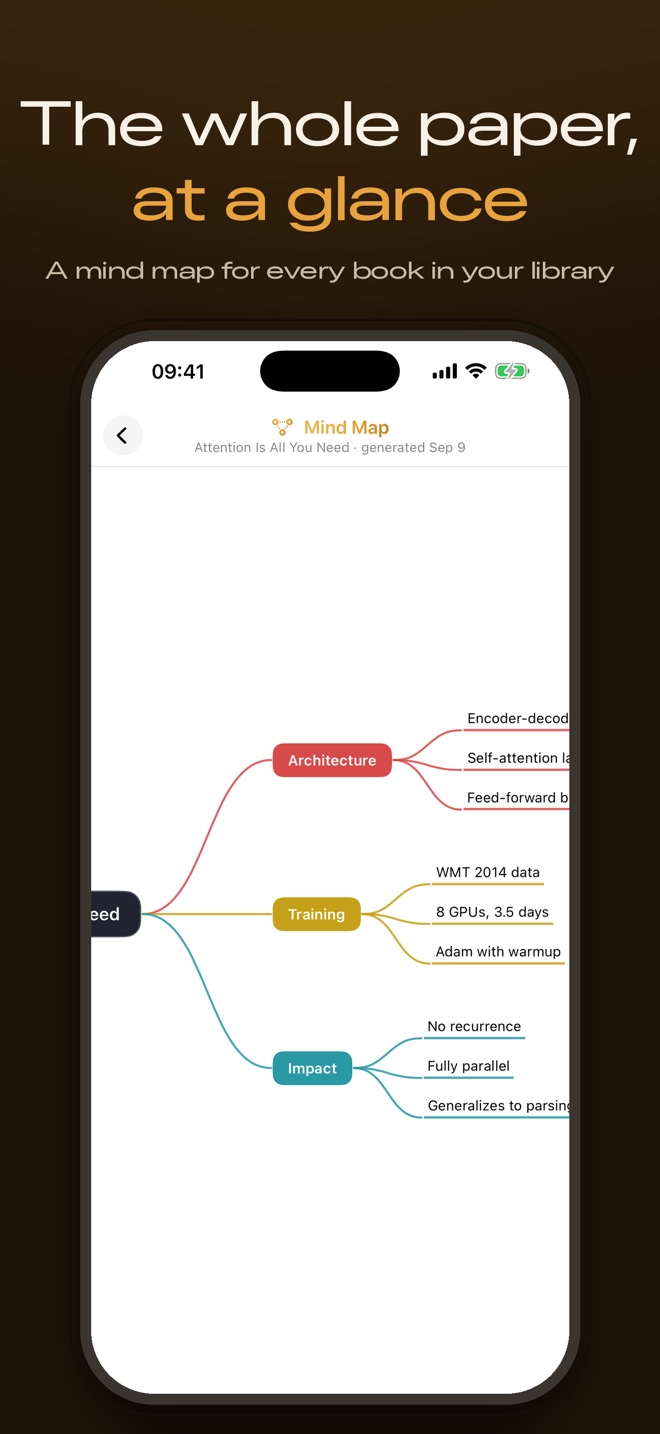
Progress syncs both ways, so you can pause on the Mac at lunch and resume on your iPhone on the train at exactly the same paragraph. Bookmarks and notes you add on either device show up on the other. Mind maps your Mac generated arrive alongside each book, so the whole argument of a paper is one tap away.
Find papers on arXiv
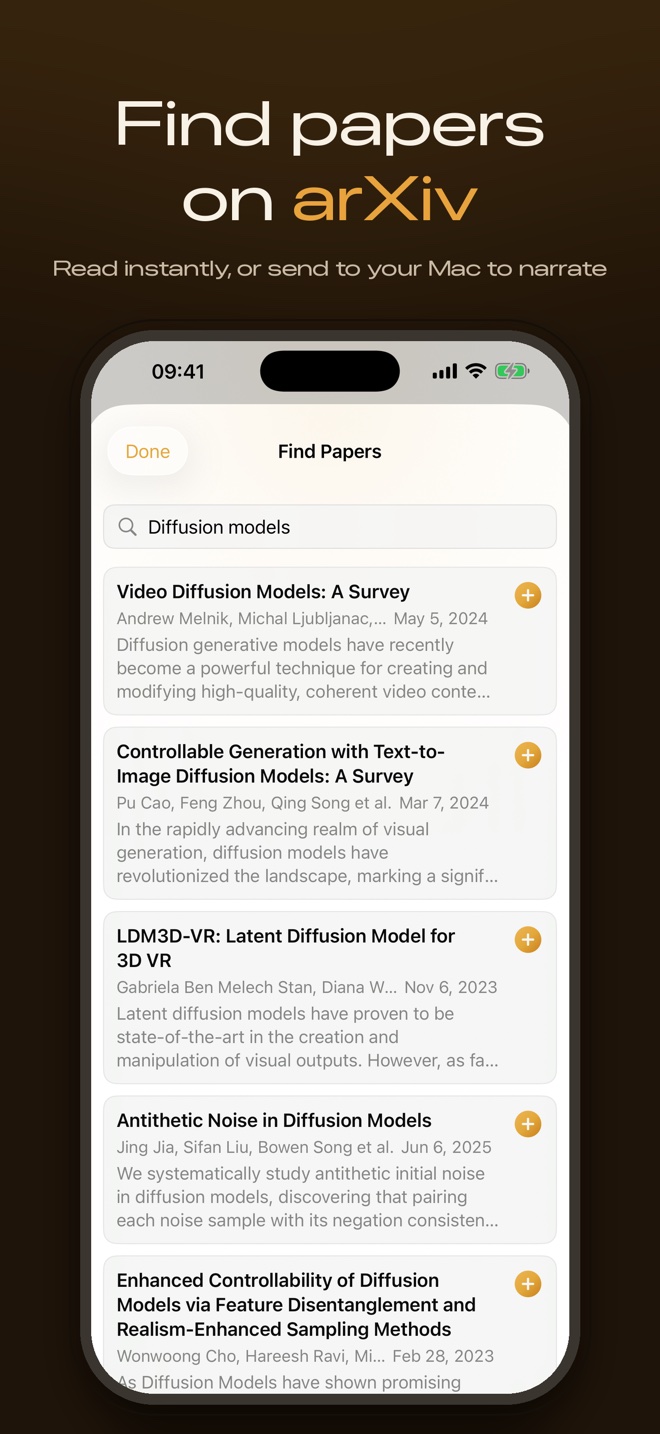
The Mac's Find Papers search is on the phone too. Search arXiv, open any paper instantly as a PDF, or tap Listen on Mac to queue it. Your Mac picks the request up the next time it is idle, narrates the paper, and the finished audiobook lands back on your phone through iCloud.
Built for listening
- Background audio. Lock the phone or switch apps and the narration keeps going, with play, pause and skip on the lock screen.
- Speed and skips. Adjustable playback speed and 15-second skips in both directions.
- Paragraph highlighting. The text lights up paragraph by paragraph, in sync with the voice.
- Hidden shelf. Books you hide on the Mac stay hidden on the phone, behind Face ID.
Private by design
Sync runs through your own iCloud Drive. Your books, audio and notes travel between your devices under your Apple ID, and no server of ours ever sees them. The Mac still does all the narration and AI work locally, so nothing about your reading leaves the hardware you own.
What you need
- An iPhone on iOS 17 or later. Get Unknown on the App Store. It is free.
- Unknown for Mac to create the audio. Narration is generated on your Mac; the iPhone app plays what the Mac has made. Download it for macOS 14.1 or later, free for 50 pages a month.
- The same iCloud account on both. Sign in, and the library syncs on its own. A sample book ships with the iPhone app so you can try it before your Mac has processed anything.
Unknown turns the PDFs and EPUBs you own into interactive audiobooks - narrated by lifelike on-device voices, highlighted in sync, nothing uploaded. Now on your Mac and your iPhone.
Get Unknown for iPhone →Free · iOS 17 or later · Unknown for Mac creates the audio
FAQ
Can the iPhone app narrate a PDF on its own?
Not yet. Narration is generated by Unknown for Mac, on the Mac's own hardware. The iPhone app plays every book your Mac has narrated and lets you queue new papers for the Mac to process. A sample book is included so you can try the experience without a Mac.
Does the iPhone app cost anything?
No. Unknown for iPhone is free. The Mac app's free plan narrates 50 pages a month; Pro raises or removes that limit.
How do books get from my Mac to my iPhone?
Through your own iCloud Drive. Sign in to the same iCloud account on both devices and every narrated book, its audio, your progress, bookmarks, notes and mind maps sync automatically. No server of ours is involved.
Does it play with the screen off?
Yes. Narration keeps playing in the background with play, pause and skip controls on the lock screen and in Control Center.
Which iPhones does it support?
Any iPhone running iOS 17 or later.